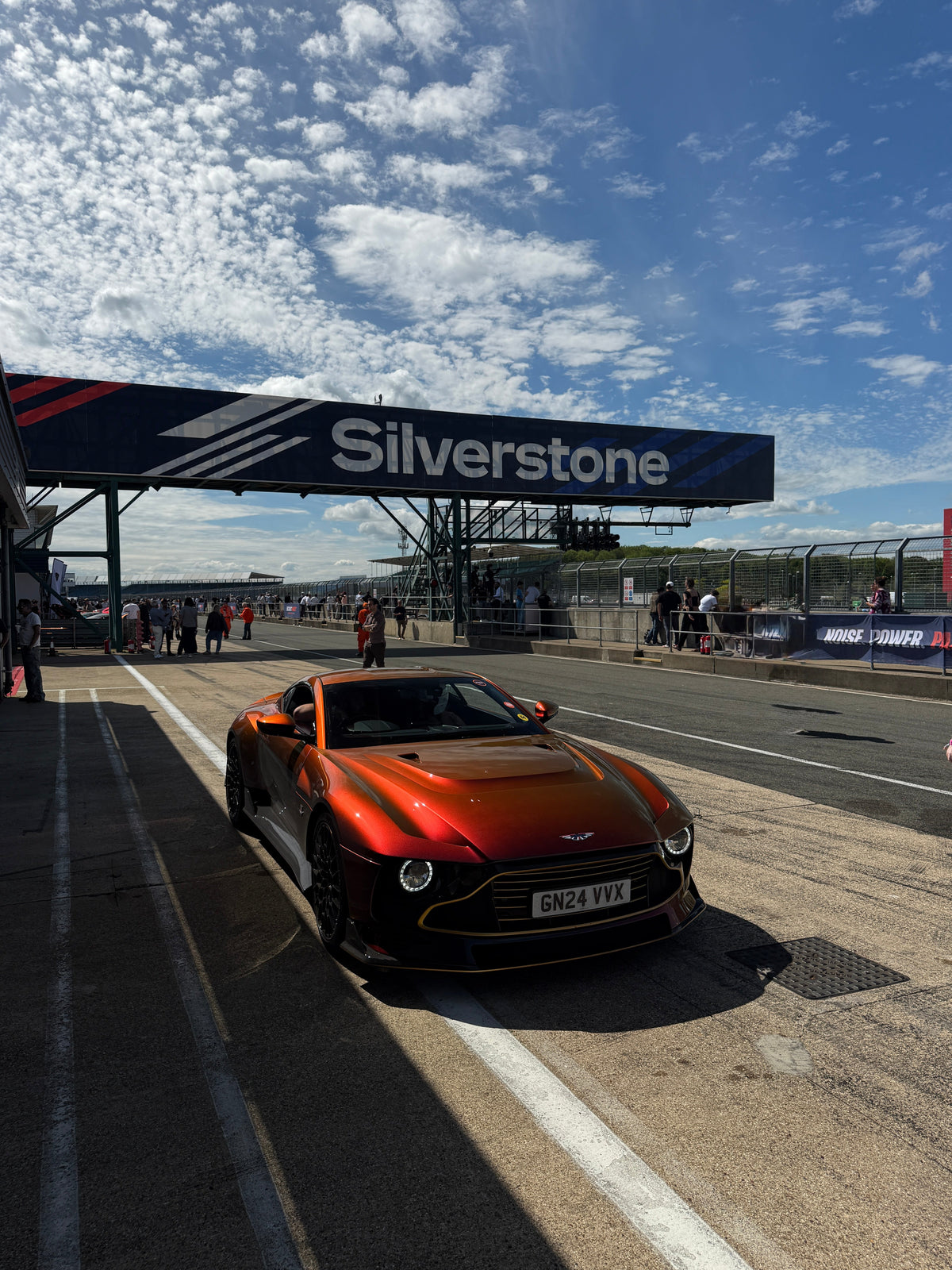
The DJI Osmo Pocket 3 and 4 have become go-to cameras for car content. They're tiny, the gimbal keeps footage smooth, and you can film a walk-around or a drive without any extra kit. What holds the footage back is the same thing that holds every camera back around cars: reflections.

What a polariser does for the Osmo Pocket

A circular polariser (CPL) cuts reflections off paintwork, glass and water. It deepens skies and pulls true colour and contrast out of every shot, with no colour grading needed. For car content that means:

  • Clearer windscreens, so you can see the interior
  • Richer paint, without the sky bouncing off the bonnet
  • Deeper blue skies on sunny drives
  • Less glare off wet roads and the sea on coastal routes
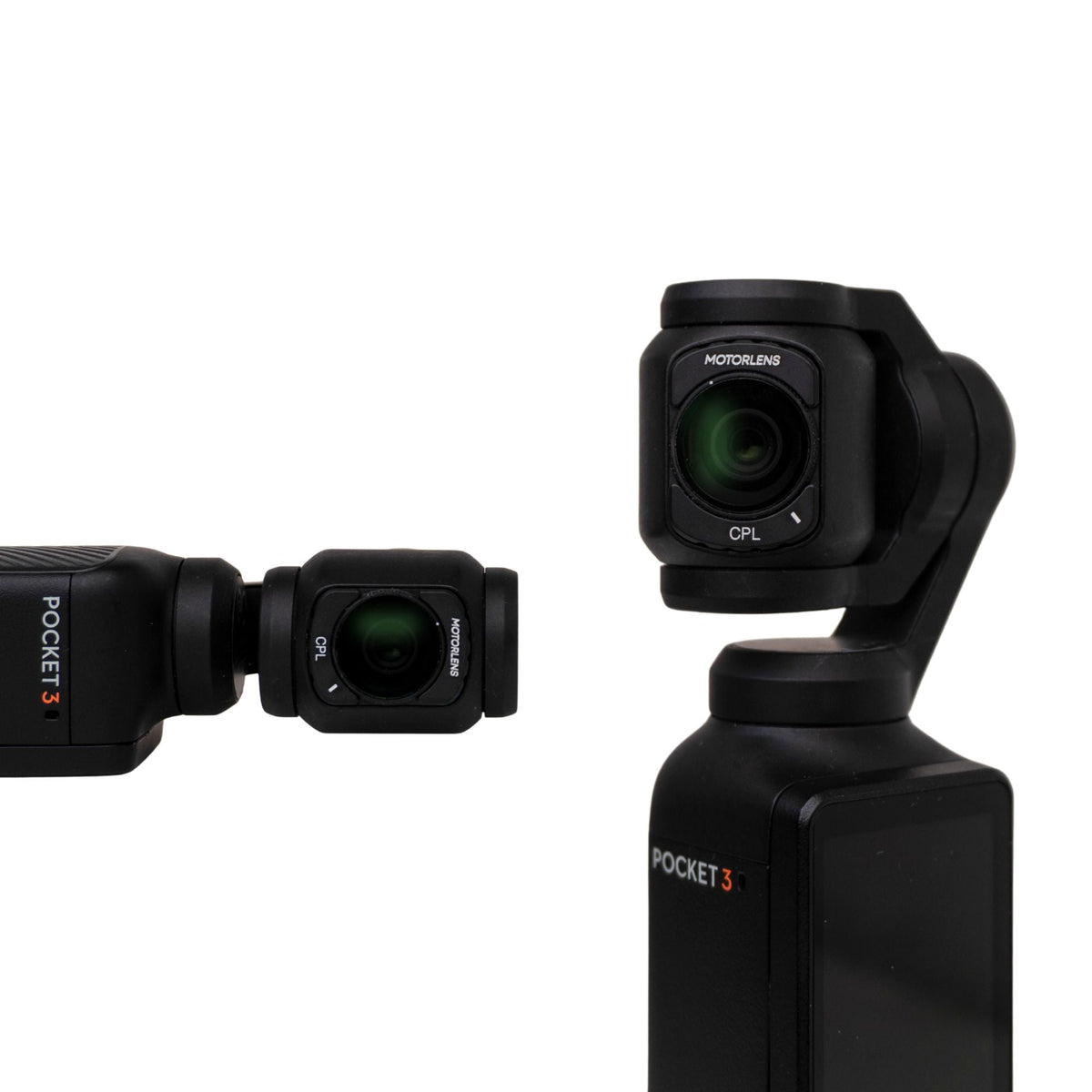
MotorLens PRO CPL filter on a DJI Osmo Pocket

Why it has to be built for the Pocket

The Osmo Pocket's camera sits on a small, moving gimbal. A filter that's too big or too heavy can clip the edges of your shot or throw off the stabiliser.

The MotorLens PRO CPL Filter for DJI Osmo Pocket 3 & 4 is built to fit over the gimbal housing without clipping your field of view or unbalancing the stabiliser.

How to use it

  1. Fit the filter over the gimbal housing.
  2. Frame your shot and watch the screen.
  3. Rotate the filter until the reflections on the glass and paint fade.
  4. Hit record. If you change direction relative to the sun, give it another quick turn.
MotorLens DJI Osmo Pocket polarising filter packaging

Best for

  • Car reveals
  • Coastal and countryside drives
  • Everyday car content for Reels and TikTok

Every order comes with next working day dispatch on in-stock items, a 30-day money-back guarantee and a 1-year warranty.
Shop the PRO for DJI Osmo Pocket

Latest Stories

Bekijk alles

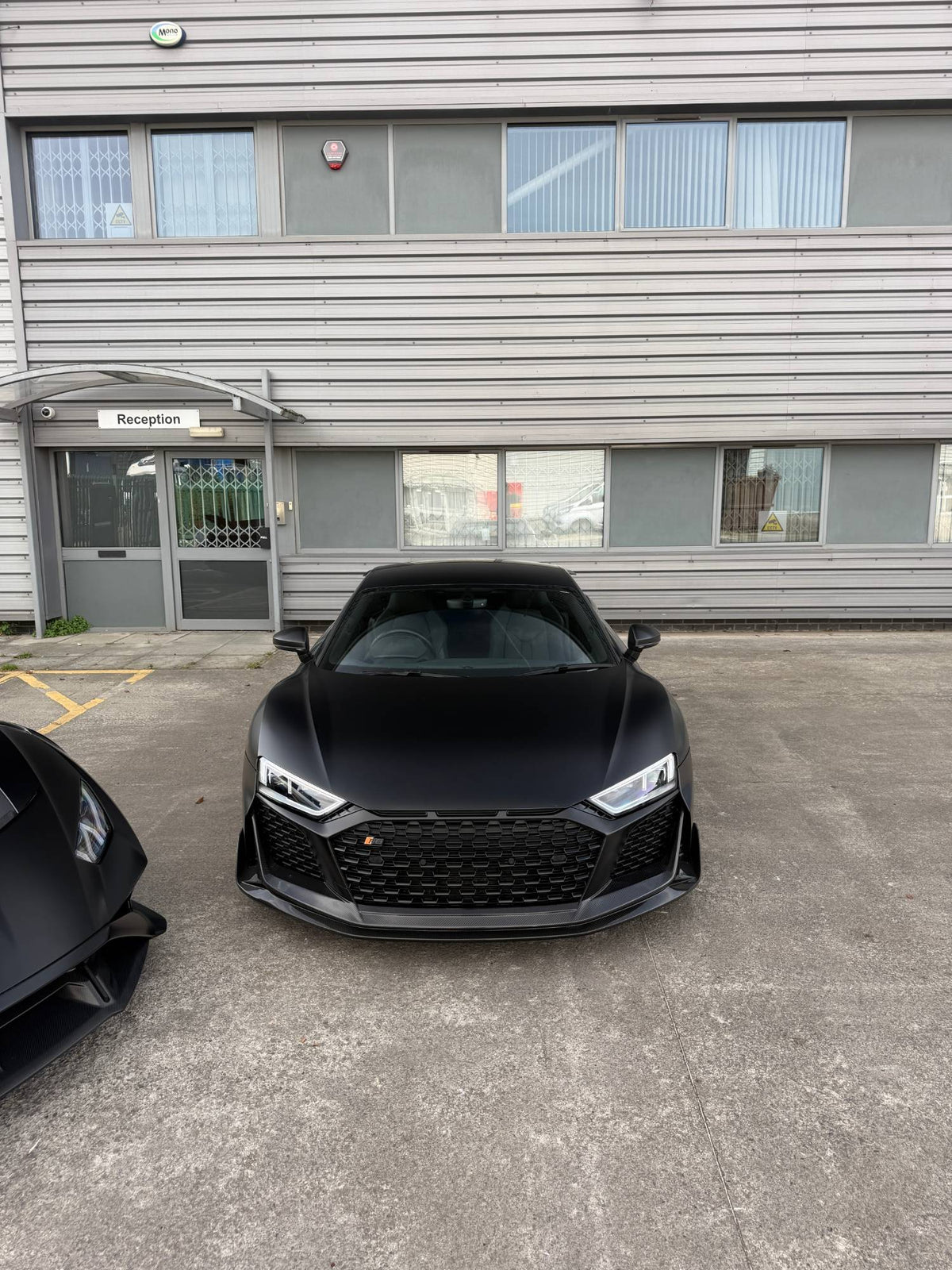
Audi R8 shot on a phone with a MotorLens polarising filter, no glare on the windscreen

How To Remove Windscreen Glare From Car Photos On Your Phone

A white sheet of sky across the windscreen is the most common thing that ruins a car photo. Here's why it happens and how to get rid of it in five steps.

Lees meerover How To Remove Windscreen Glare From Car Photos On Your Phone

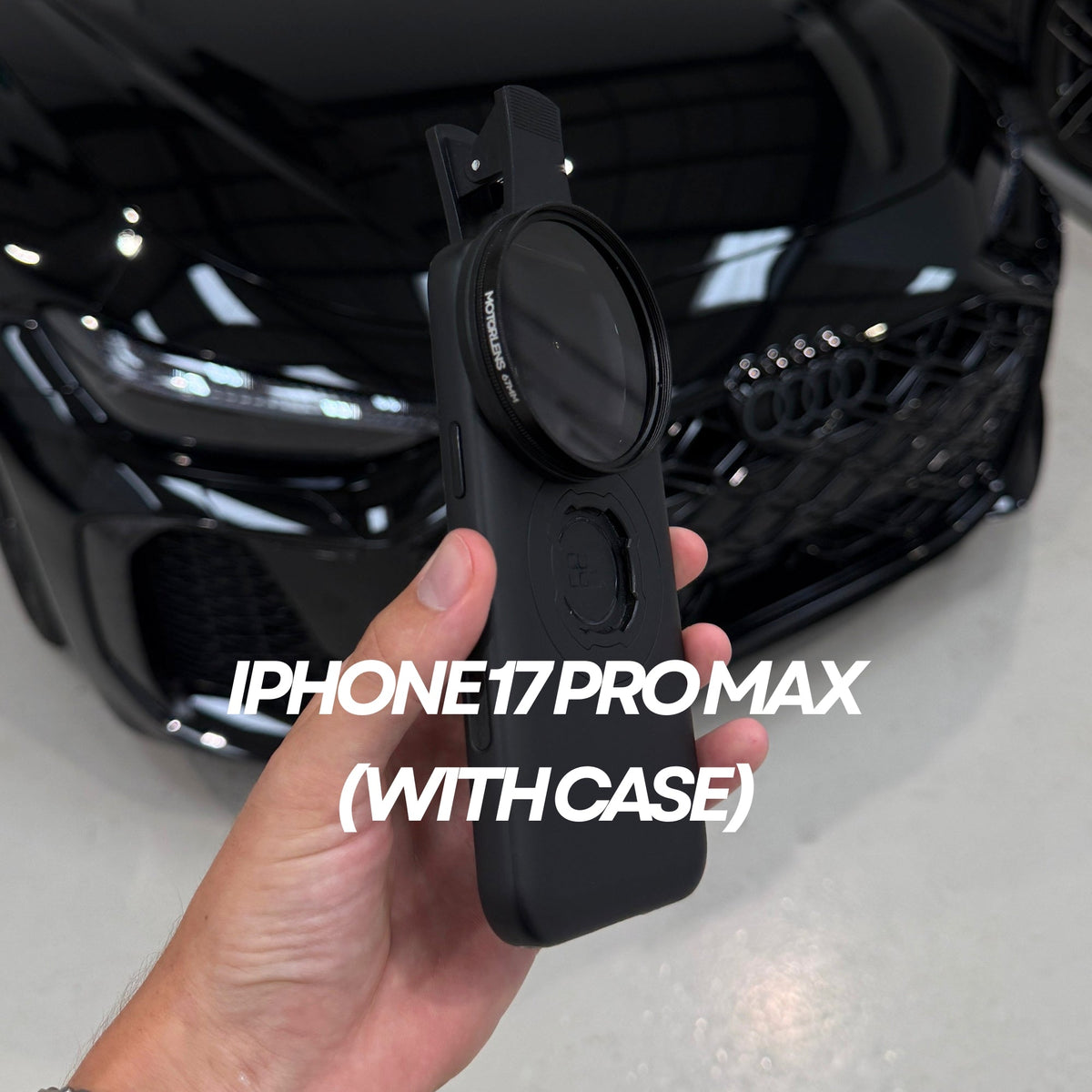
MotorLens PRO Plus fitted to an iPhone 17 Pro Max in a case

PRO Plus Or PRO 52mm: Which MotorLens Should You Buy?

Two clip-on polarisers, two sizes. Here's how to pick the right MotorLens for your phone in under a minute.

Lees meerover PRO Plus Or PRO 52mm: Which MotorLens Should You Buy?

Blog posts

Audi R8 shot on a phone with a MotorLens polarising filter, no glare on the windscreen

How To Remove Windscreen Glare From Car Photos On Your Phone

A white sheet of sky across the windscreen is the most common thing that ruins a car photo. Here's why it happens and how to get rid of it in five steps.

Lees meerover How To Remove Windscreen Glare From Car Photos On Your Phone

MotorLens PRO Plus fitted to an iPhone 17 Pro Max in a case

PRO Plus Or PRO 52mm: Which MotorLens Should You Buy?

Two clip-on polarisers, two sizes. Here's how to pick the right MotorLens for your phone in under a minute.

Lees meerover PRO Plus Or PRO 52mm: Which MotorLens Should You Buy?

Supercar at Silverstone

Track Day Photography On Your Phone: 7 Tips For Better Shots

Pit lanes, paddocks and grandstands are full of reflections. Seven simple tips for getting cleaner car shots at a track day with just your phone.

Lees meerover Track Day Photography On Your Phone: 7 Tips For Better Shots