

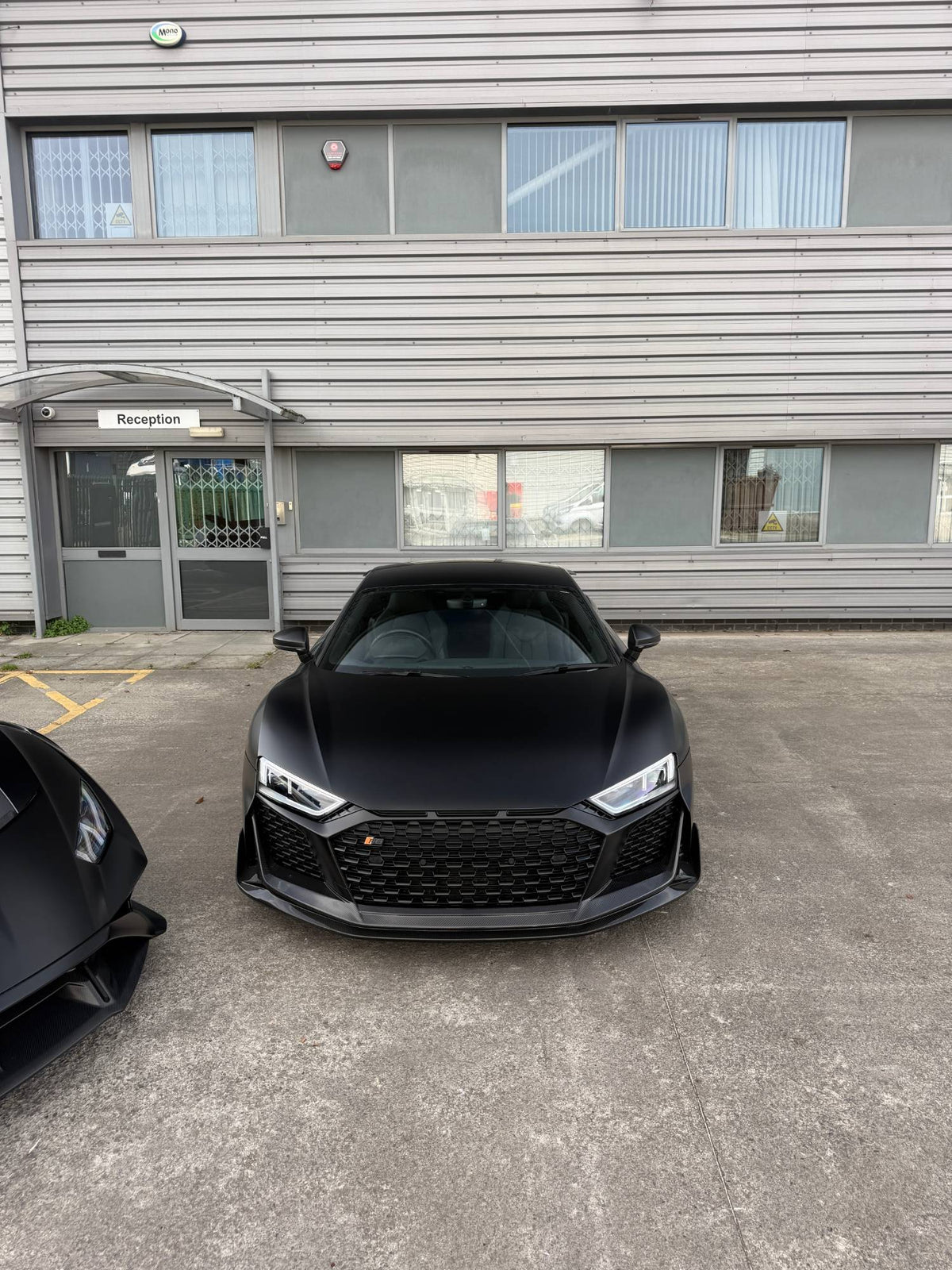
You line up the shot, the car looks incredible in person, and then the photo comes back with a white sheet of sky across the windscreen. You can't see the interior, the glass looks cloudy, and the car loses all its depth.
That's glare, and it's the single most common thing that ruins car photos taken on a phone. The good news: it's easy to remove at the moment you take the shot.
Why the windscreen turns white
Glass and glossy paint act like a mirror. They reflect the sky, clouds and buildings straight back into your lens. Light reflected off a shiny surface becomes partly polarised, which means it vibrates mostly in one direction.
A circular polarising filter (CPL) blocks light vibrating in that direction. Turn the filter and you choose how much of that reflection gets through. Turn it to the right point and the reflection fades away, revealing the glass, the seats and the true colour of the paint underneath.


How to remove glare in 5 steps
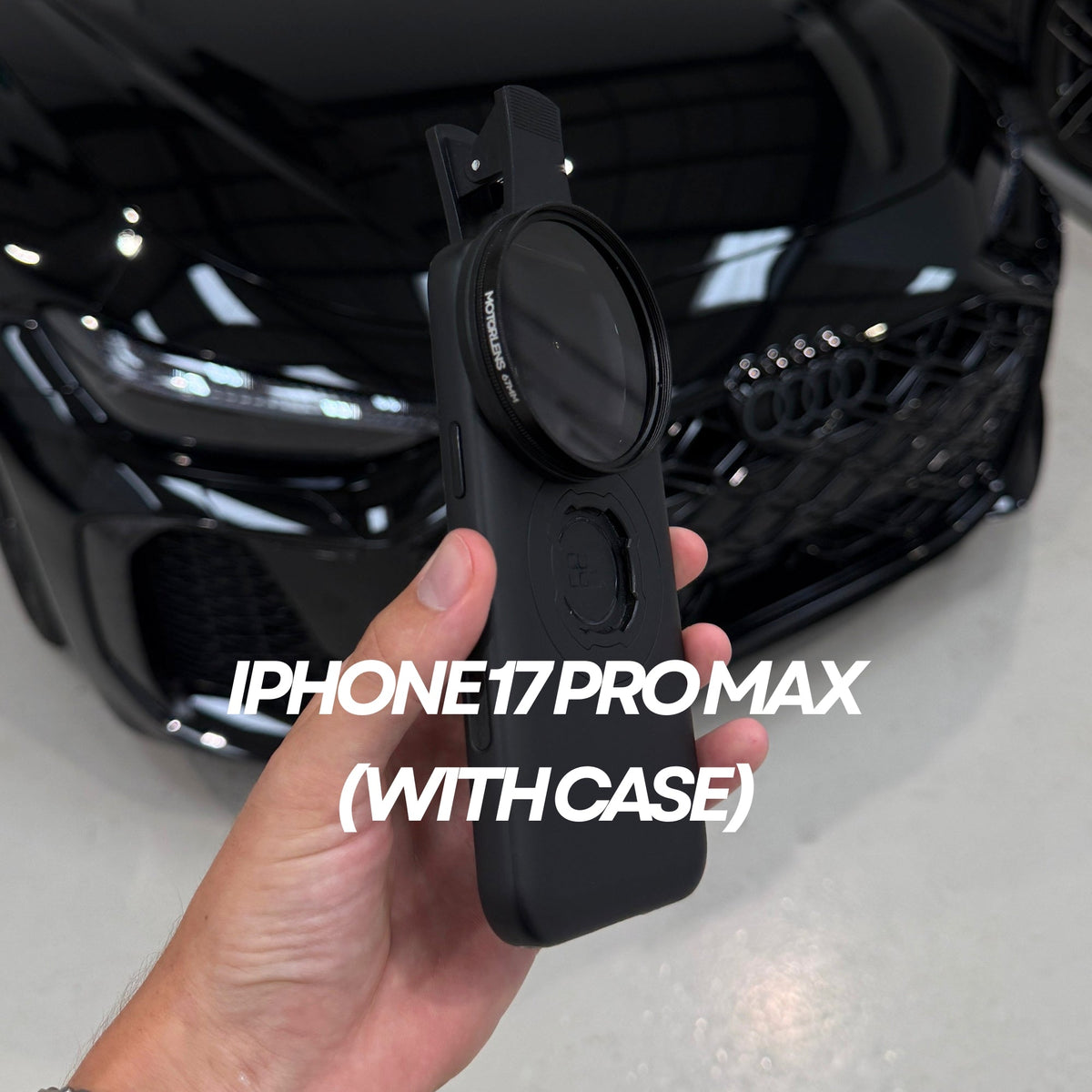
- Clip the filter over your main camera. Make sure the glass sits centred over the lens you're shooting with, not the ultra-wide or telephoto next to it.
- Frame your shot first. Get your angle and composition right before you touch the filter.
- Slowly rotate the filter while watching the screen. You'll see the reflection fade in and out. Stop where the glass looks clearest.
- Check the paint, not just the glass. The same turn also changes reflections on the bonnet and doors. Find the balance that looks best for the whole car.
- Take the shot, then move and repeat. Every time your angle to the light changes, give the filter a quick turn again.
Tips for the cleanest result
- Mind where the sun is. A polariser has the strongest effect when the sun is to your side, roughly at right angles to the direction you're shooting.
- Shoot the glass at an angle. Reflections are easiest to cut when you're not standing dead straight on to the windscreen.
- Don't over-rotate. If the sky turns patchy or uneven, ease the filter back slightly.
- Keep the glass clean. A fingerprint on the filter shows up as haze. Wipe it with the cloth in your kit before you shoot.

Which filter should you use?
The MotorLens PRO Plus uses 67mm multi-coated optical glass that cuts windscreen glare and paint reflections with zero colour cast. It clips onto every iPhone and Android, case on or off, and won't vignette even on wide lenses.
Not sure it fits your phone? Use the Will it fit my phone? checker on any product page for an instant answer.
Share:
PRO Plus Or PRO 52mm: Which MotorLens Should You Buy?