

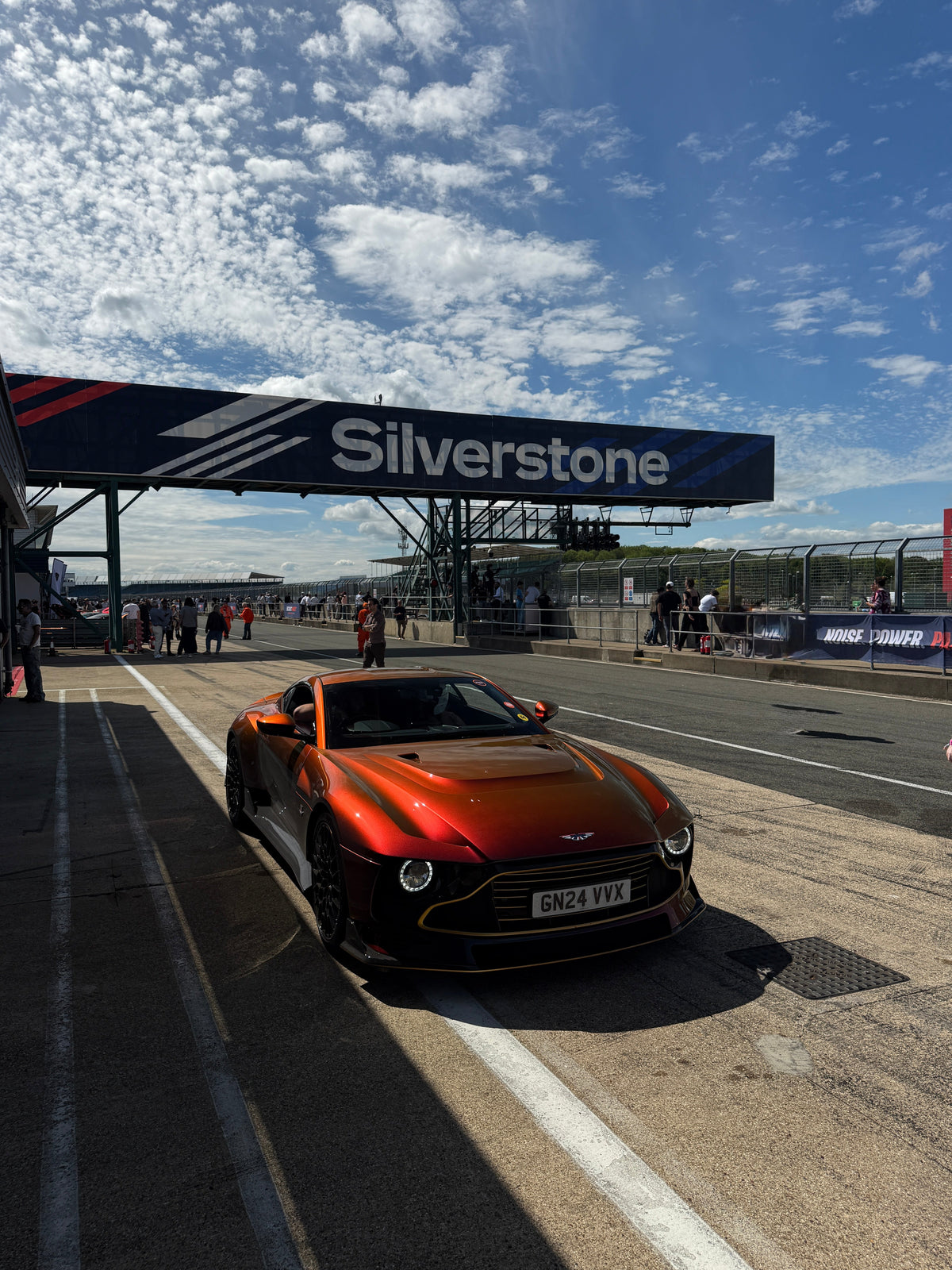
A track day is one of the best places to shoot cars. Everything is out in the open, the cars are clean, and you get angles you'd never find on the street. It's also full of glass, glossy paint and bright open sky, which means reflections everywhere.
Here are seven tips for getting cleaner shots with nothing but your phone.

1. Get there early
The paddock is quieter first thing, the light is softer, and you'll have space to get the angles you want before the crowds arrive.
2. Work with the sun, not against it
Shoot with the sun behind you or to your side. A polarising filter works best when the sun is roughly at right angles to where you're pointing, which is also when it deepens the sky the most.
3. Cut the glare off glass and paint
Pit garages, windscreens and wet tarmac all bounce light straight back at you. Clip a polariser over your main camera and turn it slowly while watching the screen until the reflections fade. You'll see through the glass and the paint colour comes back.
4. Get low
Crouch to headlight height. Cars look faster and more aggressive from a low angle, and it keeps busy backgrounds like barriers and crowds out of the frame.

5. Use the 1x lens for detail shots
Your main camera has the best sensor on your phone. Use it for badges, wheels, wings and interiors, and step closer instead of zooming.
6. Shoot video as well as photos
Short clips of cars rolling out of the pit lane or a slow walk-around often do better on social media than a still. Lock your exposure before you hit record so the brightness doesn't jump.
7. Clean your lens between shots
A day at the track means dust and fingerprints. Give your lens and filter a quick wipe before every set of shots.

What to bring
- Your phone, fully charged, plus a power bank
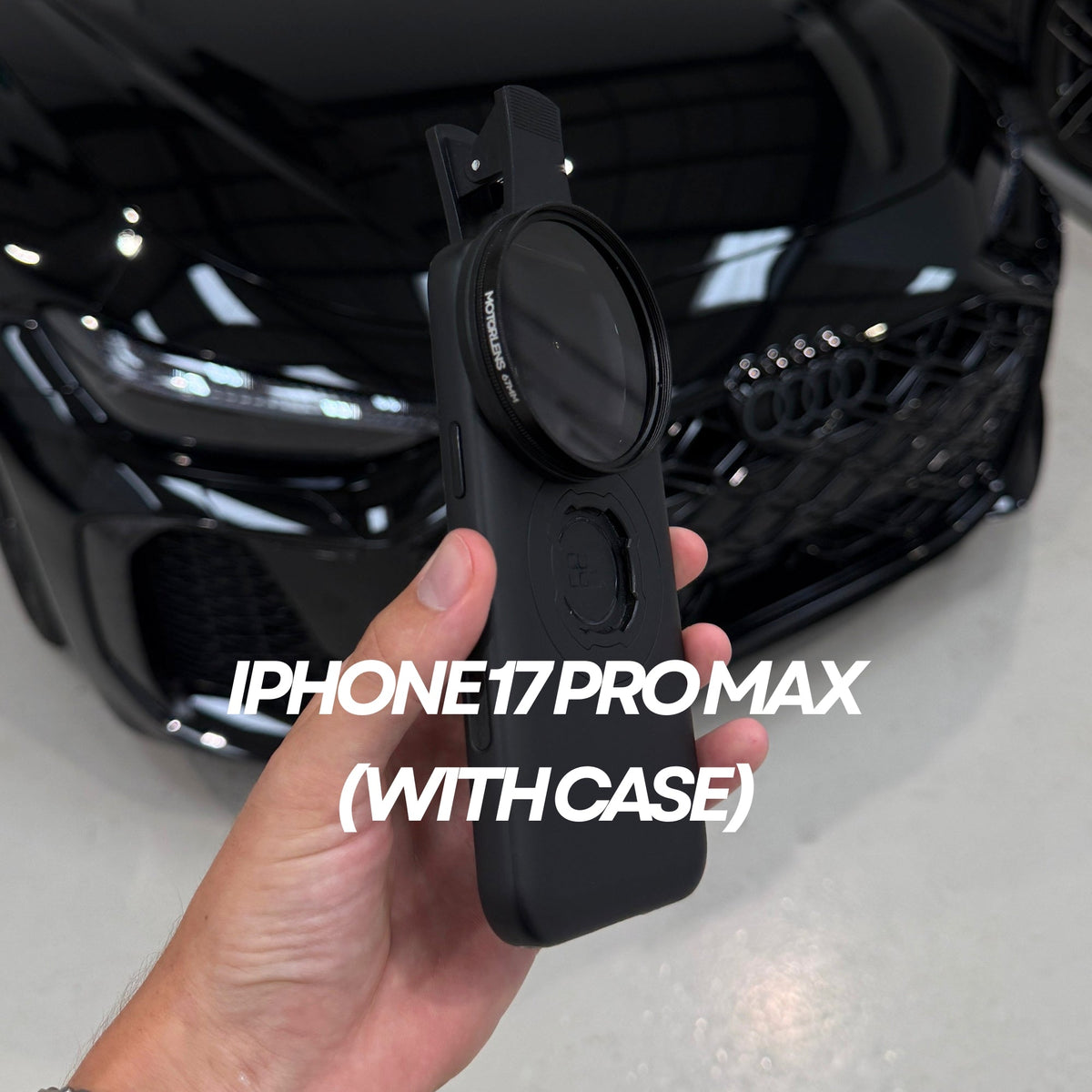
- A clip-on polariser such as the MotorLens PRO Plus, which fits every iPhone and Android, case on or off
- A lens cloth or our Lens Cleaning Tool
Want the exact settings, angles and edit we use? The Phone Camera & Content Masterclass covers it all.
Share:
Why A Polariser Is The Best Upgrade For Your DJI Osmo Pocket 3 & 4
PRO Plus Or PRO 52mm: Which MotorLens Should You Buy?